No card. No commitment. Creating the account takes a few minutes.
New · SurfBooking OS
All your school's apps, in one place.
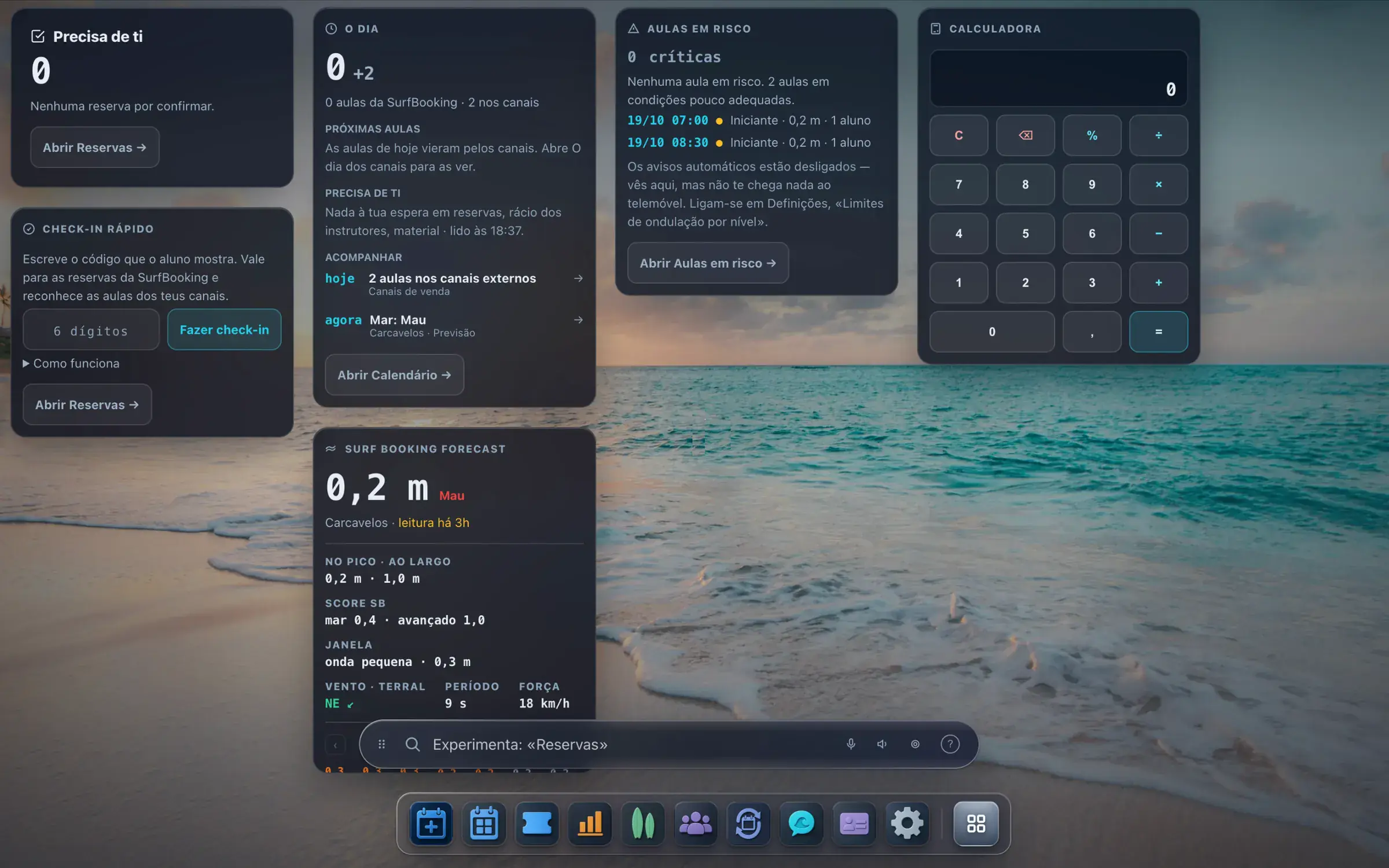
The day, the sea and the month as widgets. Your tools in an app bar, each one in its own window, open side by side. Change the wallpaper with a right click, like on any computer.
SurfBooking OS
It is not a different product and there is nothing new to learn: inside each window is the panel you already use. One click to switch, one click back.
What is on the screen is what you get.
0€per month
161beaches
Minutesto set up
80%yours, when the student comes via us
What's inside
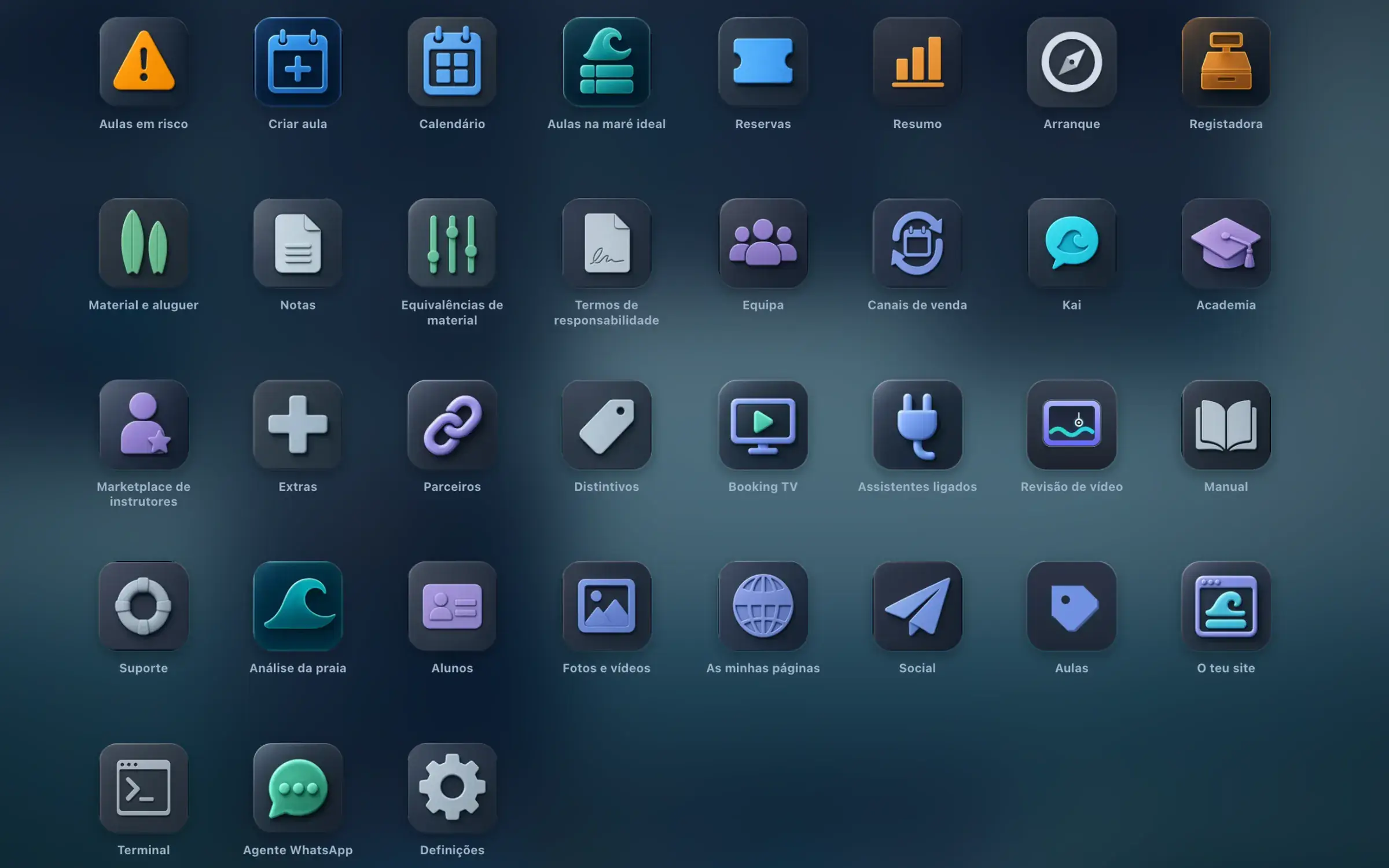
48 tools. Not a roadmap.
They work with your school's data: some are apps with their own window, the ones marked with an empty circle live inside another app.
The day10
The Dayinside Calendar
Lessons at risk
Calendardrag and drop
Tides on the calendarinside Calendar
Tide templates
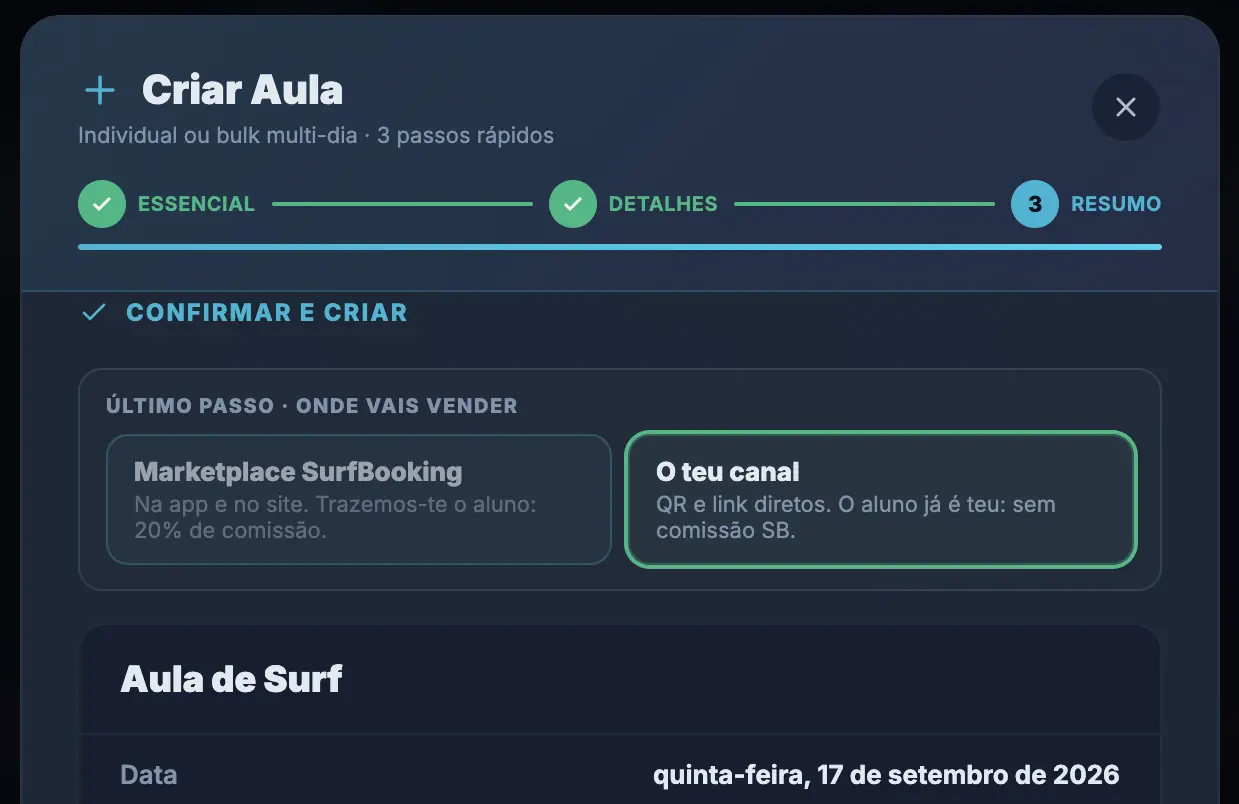
Create lesson
Repeat a lessoninside Calendar
Bookings
Waiting listinside Bookings
Booking TVthe counter screen
People and gear8
Team
Instructor marketplace
Gear and rentals
Warehouseinside Gear & rentals
Gear equivalences
Digital waivers
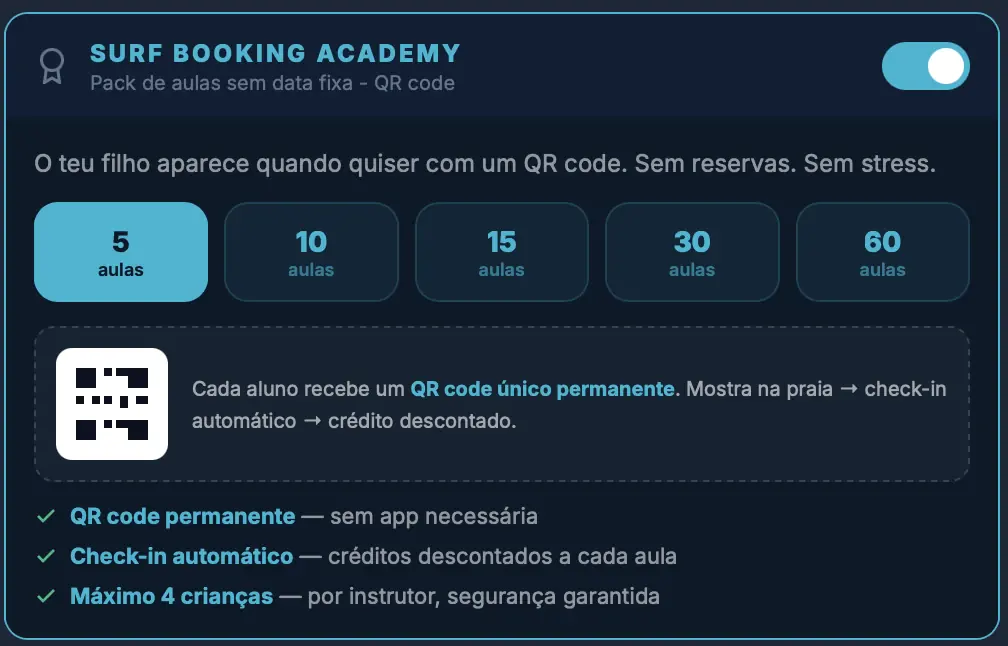
Academychildren's packs
Students
Money and channels8
Revenue bookinside Summary
Reportsinside Summary
Your businessinside Summary
Packsinside Calendar
Extras
Sales channels
The channels' dayinside Sales channels
Copy changes to channels (iCal)inside Sales channels
Reach and voice14
WhatsApp agentwhat it knows and how it answers
Kaiyour assistant, by text or voice
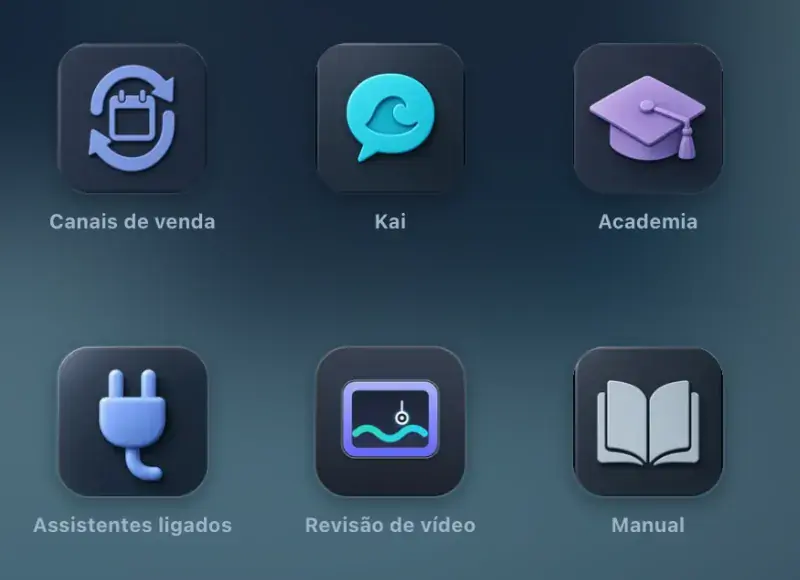
Connected assistantsyour AI assistant in your school
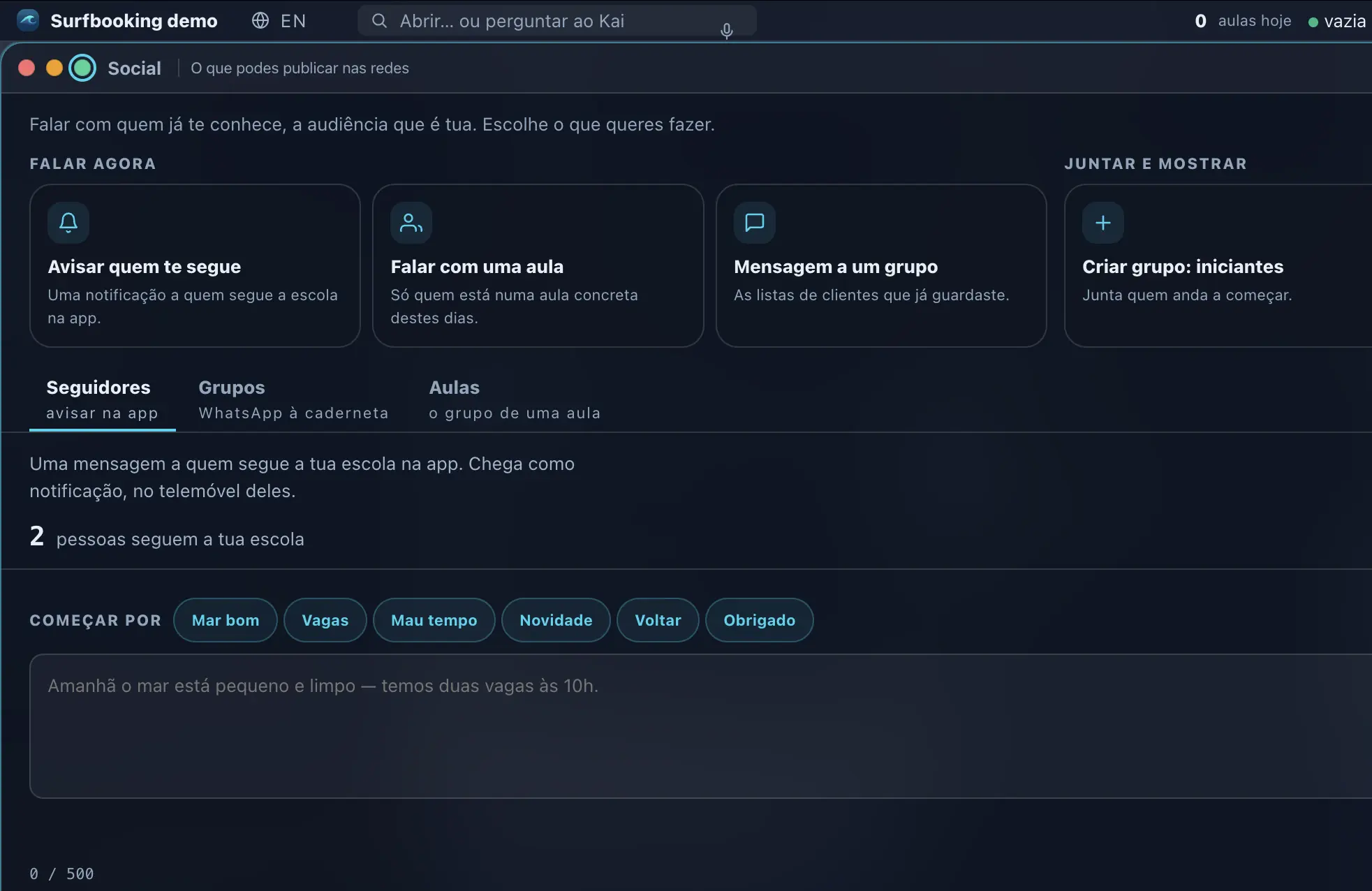
Socialgroups and messages
Lessonswhat you have and what's already selling
My pages
Your websitelessons land there on their own
Photos and videos
Video reviewthe waves, with the data on top
Beach analysis
Badges
Partners
Registadora
Terminal
Getting started and help8
First stepsinside Settings
Summarythe month's numbers
The five casesinside Manual
Notes
Manual
Support
Settings
Getting started
What Surf Booking is
The intelligent layer of surf — on top of every platform, not against them.
Surf Booking reads the real sea at each spot — wave, wind and tide — and turns it into decisions: the right lesson at the right hour, priced right, filled from every channel you already sell on. You keep your bookings on the platforms you already sell on; Surf Booking brings them into one panel and adds the intelligence none of them have.
Comes in through
Other platformsthrough the iCal calendarpaid on the channel, lands in the calendar only
Your websitea block you paste in
Your link and your QRzero commission from usQR at the front desk
Hotels and partnerstheir own link, trackedPartner hotel
Surf Booking.your week, in one calendar
is already full — flagged
The money
Paymentsthe account is yours
MB Wayon the student's phone
Card · Apple Payin the same step
Bookings from every channel land in one calendar, coloured by the tide. The ones paid through us go on to the school's account.
Bring lessons from connected channels into one calendar, coloured by the tide. Synchronisation depends on what each connection supports.
Works today
Sold through us
From another channel
Good tide
Everything Surf Booking does
Tide-coloured calendarthe sea's rhythm, painted onto your week
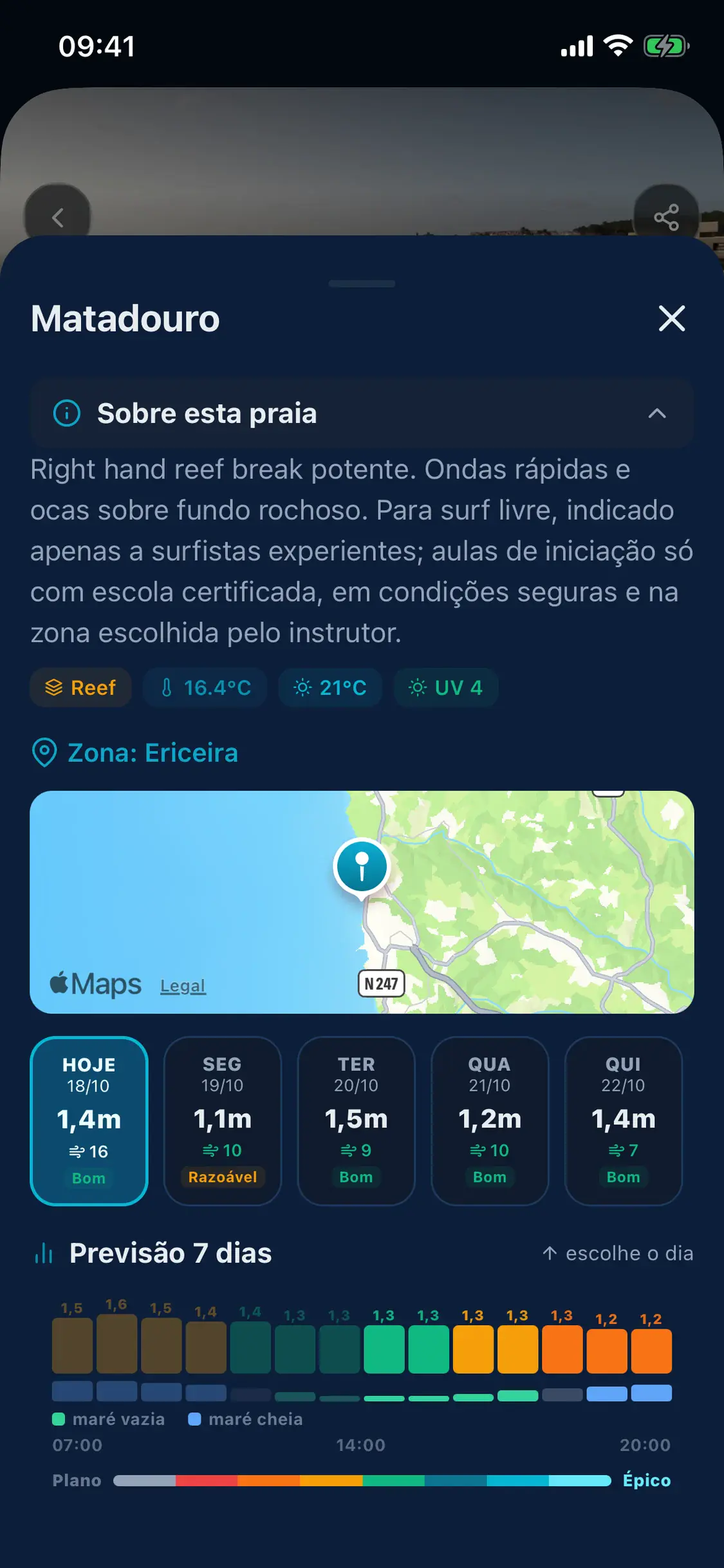
Real forecast per spotwave, wind and tide, not a generic feed
Channel Manager iCalBooking, Airbnb, GetYourGuide, Viator — one panel
School agent by voiceask, and it creates and moves lessons
Progress Passportstudent progression that follows them across schools
Direct payoutsstudents pay; your share lands automatically
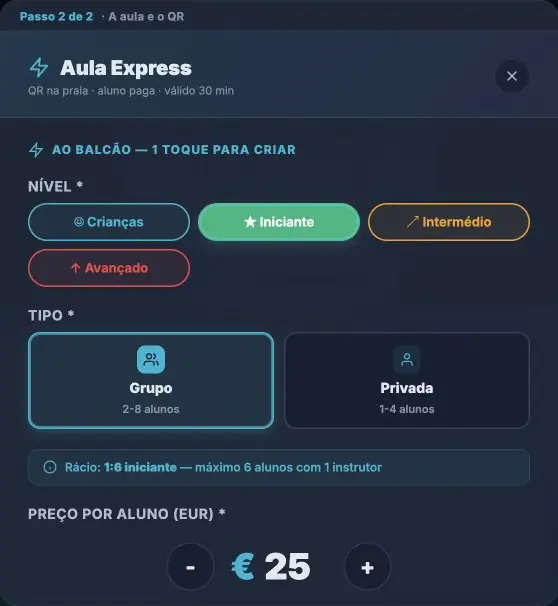
Express QR walk-uppayment, no app
Instructor marketplacea living CV, fed by real hours at sea
Three things to see first
It’s not the app. It’s this.
Before you scroll to the list, look at these three.
01Only hereIG · Story · WhatsApp · Flyer
Shareable posters everywhere
Every lesson auto-generates posters in 6 formats: Instagram Post, Story, Facebook, WhatsApp, X, printable A4. Customer scans the QR and pays. No app, no account. You sell everywhere, not just inside SurfBooking.
Live on the platform since day one. Most schools still don’t know.
02Walk-upNo app
Express QR on the beach
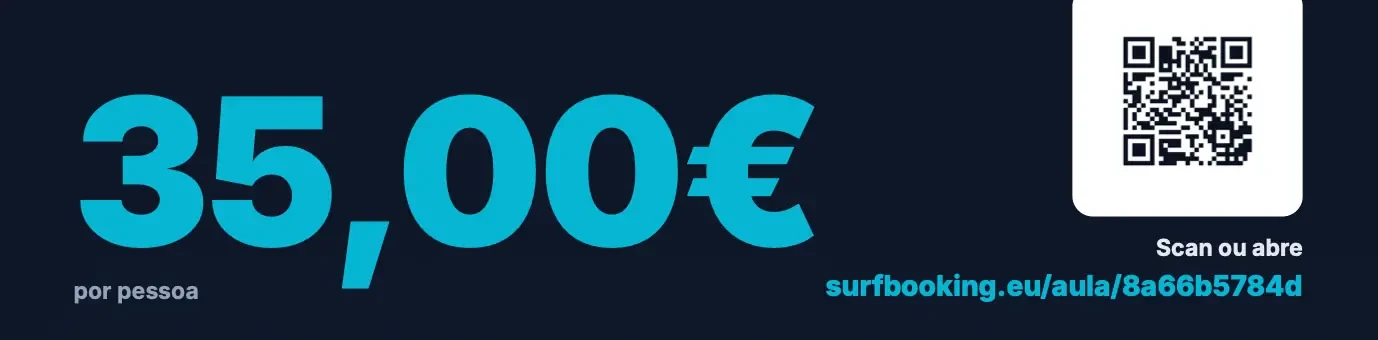
Tourist walks up, scans the QR on your sign, pays the lesson. No app install, no account. Equipment, level and time pre-filled. Built for the summer-street season.
No SurfBooking commission on walk-ups — only the bank's processing cost.
03Across schools
Progress Passport cross-school
Your students carry a progress passport with them. Take-offs, first wave, bottom-turns — all stamped by you. Works across schools. The surfer comes back instead of testing competitors.
✓ Take-off
✓ 1st wave
✓ Bottom turn
Cutback
Floater
Builds an emotional bond. Loyalty beats any discount.
SurfBooking OS is €0/month. Commission only on bookings we bring you — never on your own walk-ins or your direct channel.
€0 a month for SurfBooking OS.
On your channel you only pay the payment processor's fee, which isn't ours.
0%Your channelThe customer was already yours. They came from your site, your counter, your Instagram. We charge nothing for them.
20%SurfBooking marketplaceThe customer came from us. They found you on SurfBooking. Only here is there a commission: it comes out of the booking, when the student pays.
Link and QRCounteriCal
€0 a month for SurfBooking OS. On your channel you only pay the payment processor's fee, which isn't ours.
€0/month. 20% only on the bookings SurfBooking brings you; on your own channel SurfBooking takes 0% and you only pay the payment processor's fee.
How much does Surf Booking cost for schools?
Surf Booking is free for schools: 0€/month, no setup fee and no card required. The platform charges only a 20% commission on the bookings Surf Booking brings you — lessons you sell through your own channel pay 0% commission — only the card processing fee applies. The school agent and the forecast tools are included. The Channel Manager isn't paid for in money: it's paid for in lessons. As long as you keep lessons on sale in the Surf Booking marketplace, you pay nothing for it. One lesson every six months you work is enough.
How do I get paid?
Payments go directly to your school's account. Students pay at booking time; your share is transferred automatically — no invoicing Surf Booking, no waiting for monthly payouts.
New
Direct Bookings — your QR, your customers, no commission
A permanent QR code and link for your school — at the front desk, on Instagram, on your own website. You choose where each lesson goes: this channel only, the marketplace only, or both with the same places. The ones on this channel only don't show up in the SurfBooking app or site; and every booking that comes in through this channel pays no SurfBooking commission — only the card processing cost, and that is charged AT COST: we advance an estimate and return you the difference. On a €40 lesson you keep at least €38.90 instead of €32.
The marketplace doesn't change: customers we bring you keep paying the same 20%. You only pay commission when we're the ones bringing you the customer. And the two live together: the choice is lesson by lesson, not all or nothing. The ones you leave on sale in the marketplace are the ones that keep your Channel Manager at no cost. And it's the same booking widget you may already have on your site: you don't change a line.
No monthly fee · unlimitedSame payments account you already haveYour own partners too
What a school pays
The school is the real free surfer.
No contract. No minimums. No lock-in. Connect your payments account and start selling. The Channel Manager isn't paid for in money: it's paid for in lessons. As long as you keep lessons on sale in the Surf Booking marketplace, you pay nothing for it. One lesson every six months you work is enough. Sell on the marketplace only if you want to — a clear 20% commission on those sales. Sell elsewhere? Zero commission. It's your school, your pace.
FreeNo monthly fee
Channel Manager
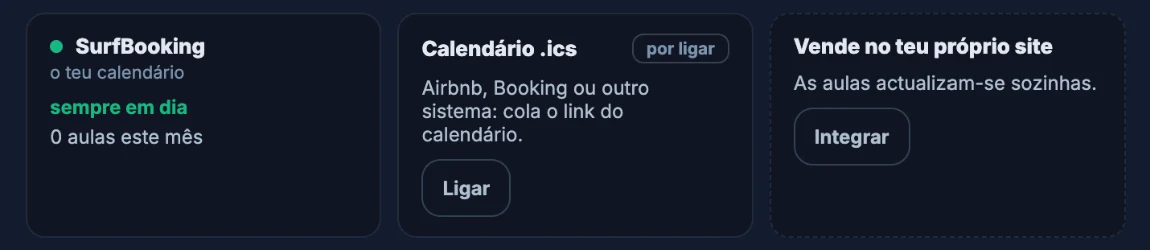
Airbnb + Booking + Google Cal + Outlook · import their bookings and share your calendar; each channel updates at its own pace
FreeIncluded
School assistant
Operational + support, in PT-PT and English
OnlyWhen you sell on SB
20% commission
Outside sales (Airbnb / walk-in) — zero SurfBooking commission
Commission only when SurfBooking brings you the student. Zero commission on your own channel.
SurfBooking OS €0/month. Channel Manager at no cost: just keep lessons on sale with us.
SurfBooking is one platform with three independent surfaces. A school never sees another school's customers. An instructor's CV travels across schools but their reviews stay separated. For surfers who book here, only the school teaching that lesson gets their contacts, never the school next door and never other surfers.
New in SurfBooking OS 2.0: hover over a dock icon and you get a peek at the window; the mosaic puts every window side by side. Drop or paste a customer's email or WhatsApp onto the desktop and Kai opens create lesson with what's in it. External lesson series check for clashes before they are created, and The Day opens on a 07:00 to 20:00 ruler with the sea hour by hour.
3 steps, from sign-up to your first lesson on sale.
Creating the account takes a few minutes. We review the school and, once it is approved, you create your first lesson in the panel and connect payments to put it on sale. We show you what is missing at each step.
1
Register
No card. Create your school profile in a few minutes.
2
Create lessons
Visual wizard: beach, schedule, price. Individual or bulk.
3
Get bookings
Straight into your school's account. Automatic.
Under the hood
Infrastructure & security
The boring part that matters. You'll never have to think about it — it's working while you sleep.
B2B Privacy Commitment
What we never share. What we never sell. The exact legal architecture.
Six explicit promises to every school, plus the operational and legal detail every controller has the right to see.
Enterprise-grade infrastructure on top of major providers.
Card payments
PCI-DSS Level 1 — we never touch card data. Card + MB Way in Portugal.
Edge Shield
Global edge network. Attacks stopped before they reach the site, HTTPS required (TLS 1.2+).
Always-encrypted connection
The whole site forced over HTTPS. HSTS on so the browser never accepts unencrypted connections.
Data stored in the EU, with daily backups
Hosting in EU data centres. Automated daily backups. Database encrypted at rest and in transit.
GDPR Compliant
Data on EU servers. Right to be forgotten, export, explicit consent. Digital liability waivers, with the signature recorded.
24/7 Monitoring
Error logging, automatic alerts and a history of admin actions help us spot and investigate incidents.
Active 24/7 monitoring · alerts + audit log
We are SurfBooking.
We bring the sea and the school together: each beach's forecast, at lesson time and for your level, and the schools that teach there. Made in Ericeira, by people who surf.
Built by surfers
100% focused on surf
Alongside schools every day
Founding schools
Be a founding school.
SurfBooking OS €0/month
Priority email support
Your feedback changes the product in days, not months
Each SurfBooking school has its own Agent. Not a standard chatbot — a brain you shape with your house rules, voice and quirks. We tune the rules; we never read your conversations.
SurfBooking OS is €0/month. Commission (20%) applies only to bookings SurfBooking brings you through the marketplace. Your own channel, walk-ups and external calendars: zero commission from us.
What about lessons I sell outside SurfBooking?
They're yours, full stop. Log them if you want (so the calendar and the numbers add up) — you pay nothing for them.
Is there a contract, minimums or lock-in?
No. No credit card, no contract, leave whenever you want. Your data leaves with you.
How many schools use the platform today?
Few — we're new and we won't pretend otherwise. Right now there are 22 founding schools registered, and the product changes with their feedback in days, not quarters. That's exactly why SurfBooking OS is free for the first ones.
Do my current clients become yours?
Never. A client who arrives through your channel is yours: no commission and no SurfBooking between you. We only charge when the demand was ours.
How long until I can sell lessons?
Creating the account takes a few minutes. We review the school and, once it is approved, you create your first lesson in the panel and connect payments to put it on sale. We show you what is missing at each step.
What's new in SurfBooking OS 2.0?
The desktop got quicker to use: the dock peeks at each window and the mosaic shows them all side by side; there is a widget gallery with previews; drop or paste a customer's message and Kai opens the lesson form already filled in; external lesson series are checked for clashes before they are created; The Day shows the sea hour by hour from 07:00 to 20:00; the Control Centre keeps today's notices; and in Appearance you pick the glass, the colour and the corners.
Channel Manager at no cost: just keep lessons on sale with us.
 Lessons at risk
 Calendardrag and drop
 Tide templates
 Create lesson
 Bookings
 Booking TVthe counter screen
 Team
 Instructor marketplace
 Gear and rentals
 Gear equivalences
 Digital waivers
 Academychildren's packs
 Students
 Extras
 Sales channels
 WhatsApp agentwhat it knows and how it answers
 Kaiyour assistant, by text or voice
 Connected assistantsyour AI assistant in your school
 Socialgroups and messages
 Lessonswhat you have and what's already selling
 My pages
 Your websitelessons land there on their own
 Photos and videos
 Video reviewthe waves, with the data on top
 Beach analysis
 Badges
 Partners
 Registadora
 Summarythe month's numbers
 Notes
 Manual
 Support
 Settings